Your gym app, for £0.
Log your lifting and your running in one place. Paste in a plan from your PT or ChatGPT, watch your PBs climb, and keep every bit of it on your own phone.
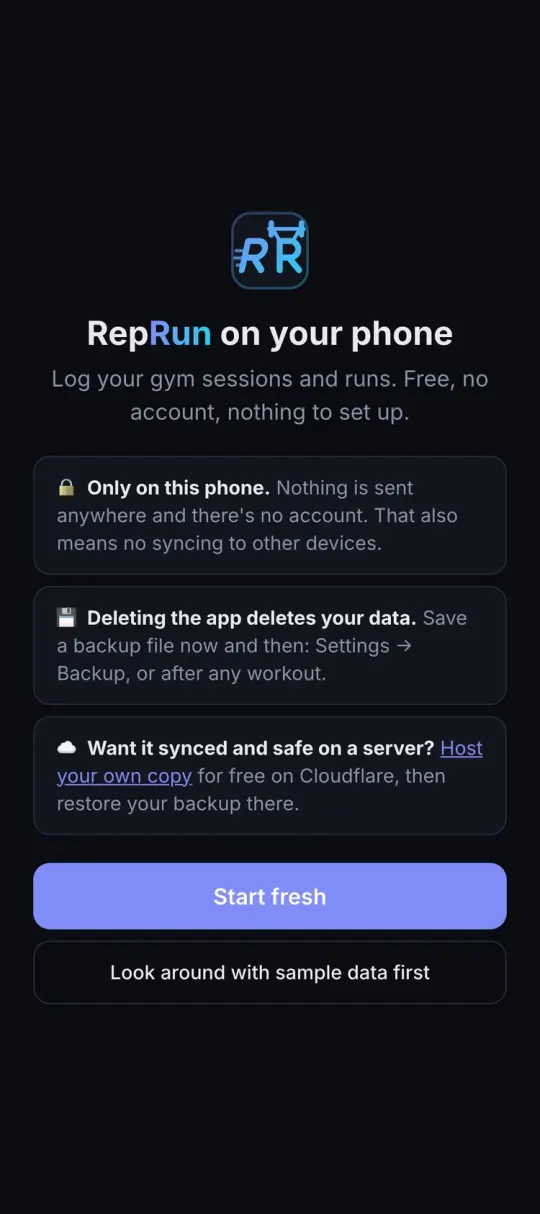
No sign-up. Open it on your phone and add it to your home screen.
Lifting and running, one app.
Built for the gym floor: big buttons, a rest timer that beeps, and nothing to load when the signal drops.
Log as you train
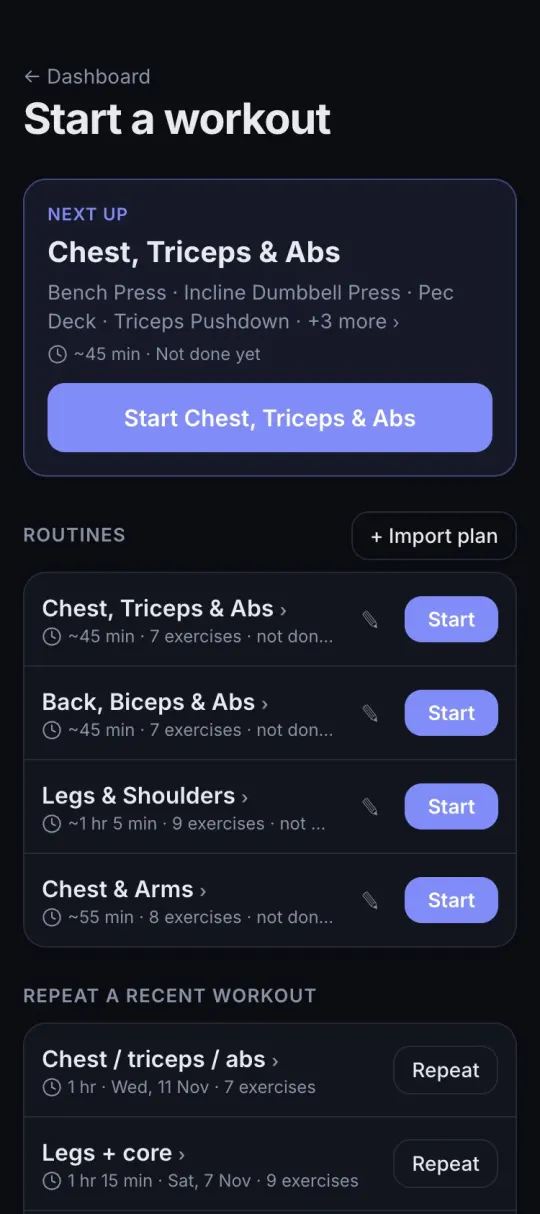
Tick off sets between lifts. The screen stays on, the rest timer beeps, and last time's weights are right there.
Plans from your PT
Paste a plan from your PT or ChatGPT. Each day becomes a routine with suggested weights that go up as you do.
PBs that count themselves
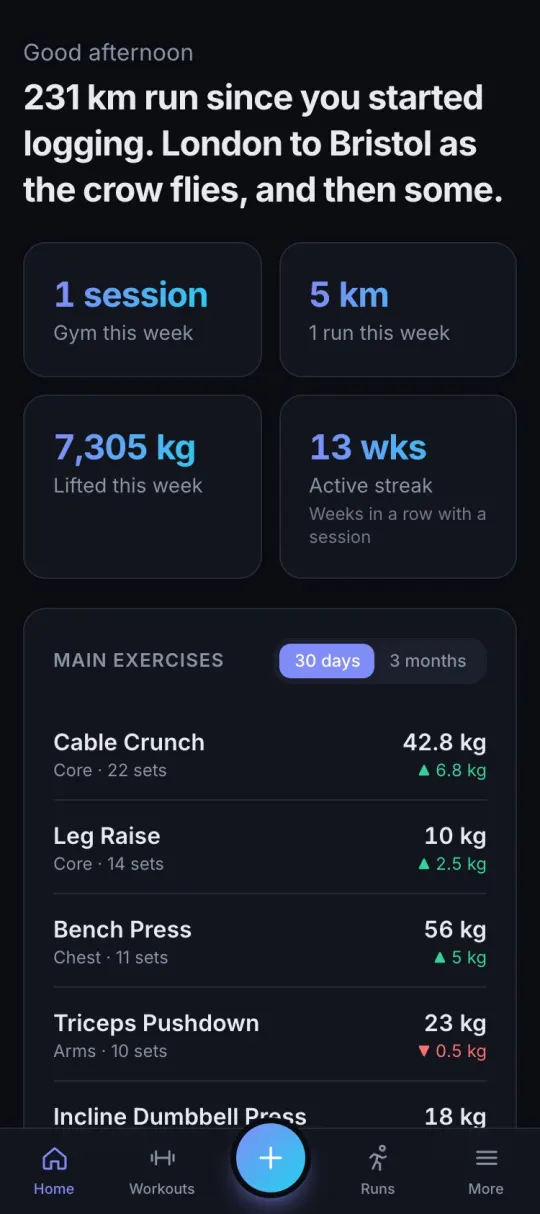
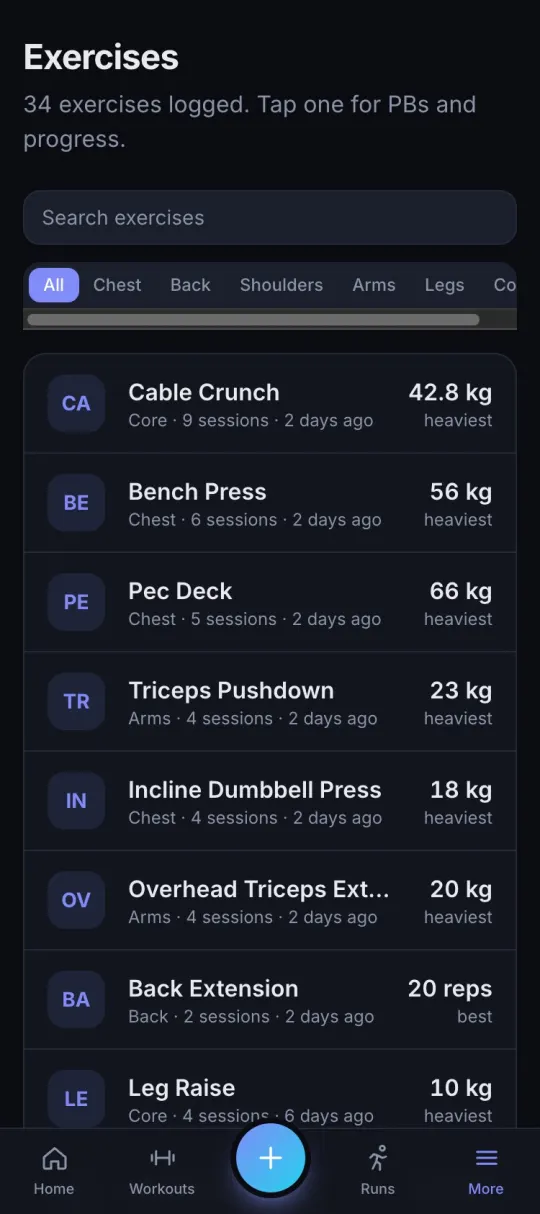
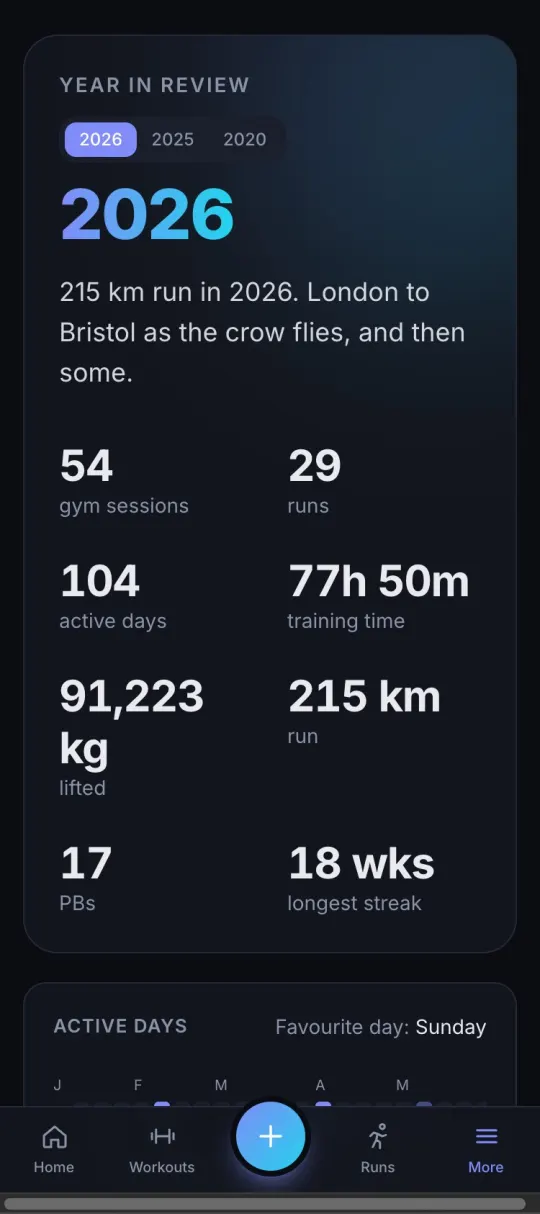
Personal bests, estimated one-rep max, charts, strength levels and a year in review. No spreadsheet required.
Runs next to gym days
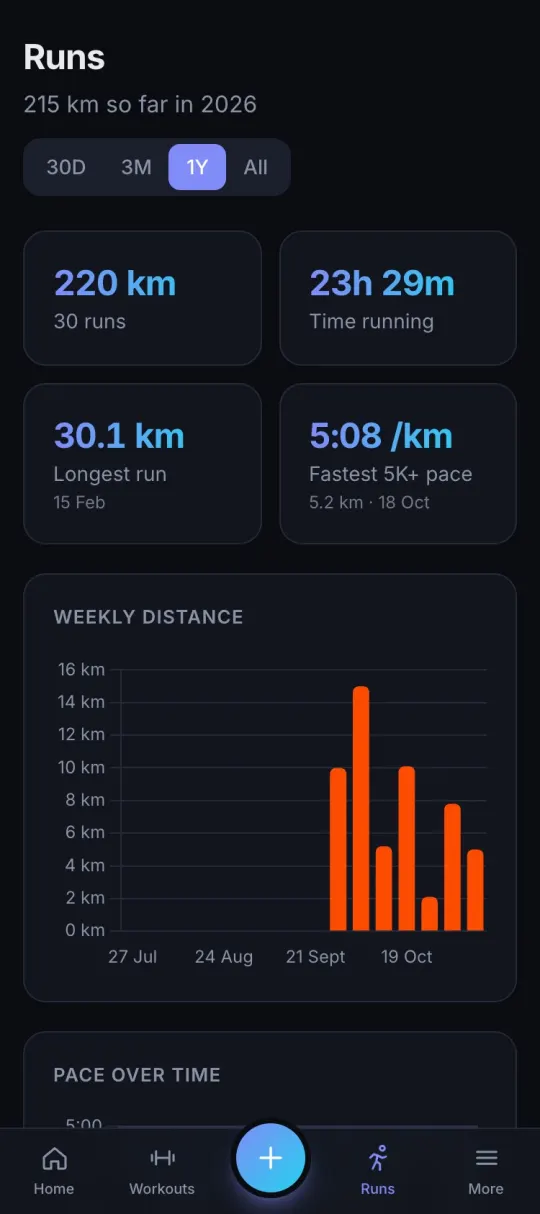
Bring in your Strava history from its download file and see the whole week, lifting and running, in one place.
Your data stays yours
No account, no tracking, no one selling your squat numbers. It lives on your phone, or a server you own.
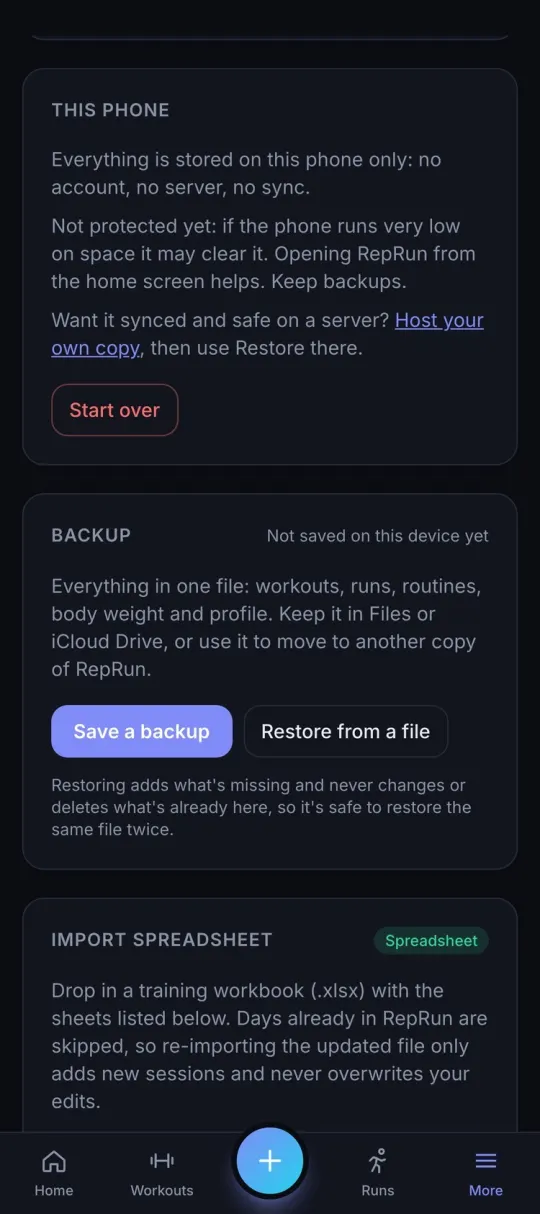
Back up in one file
Workouts, runs, routines and profile in a single file. Keep it in iCloud Drive, or bring it with you if you host your own.
Pick how you use it.
Start on your phone in ten seconds. Switch to hosting your own whenever you like: your backup file comes with you.
| Feature | On your phoneMost people start here |
Host your ownFree on Cloudflare |
|---|---|---|
| Free, no subscription | ||
| Logger works offline at the gym | ||
| Plans, PBs, charts, year in review | ||
| Back up to one file | ||
| No account or sign-up | ||
| Ready in ten seconds | ||
| Synced across phone and computer | ||
| Runs sync from Strava by themselves | ||
| Kept safe on a server you own | ||
| Behind your own private login | ||
| Open the app | Set it up |
Just want a look around?
The demo has a year of made-up training to click through. Break anything you like: it resets every night.
Make it an app in three taps.
Open it in your browser
Go to app.reprun.co.uk
Add to Home Screen
Tap Share, then Add to Home Screen. It opens full screen like any other app.
Back up now and then
Settings → Backup. Deleting the app deletes the data, so keep a copy somewhere safe.